
DaySchedule's default emails come from noreply@dayschedule.com. Connect Gmail and your workflows send from your own address instead, so replies come straight back to you and the email looks like it came from your business.
Gmail works with personal Gmail and Google Workspace accounts and needs the Pro plan. DaySchedule only asks for permission to send email. It can't read your inbox.
Connect Gmail
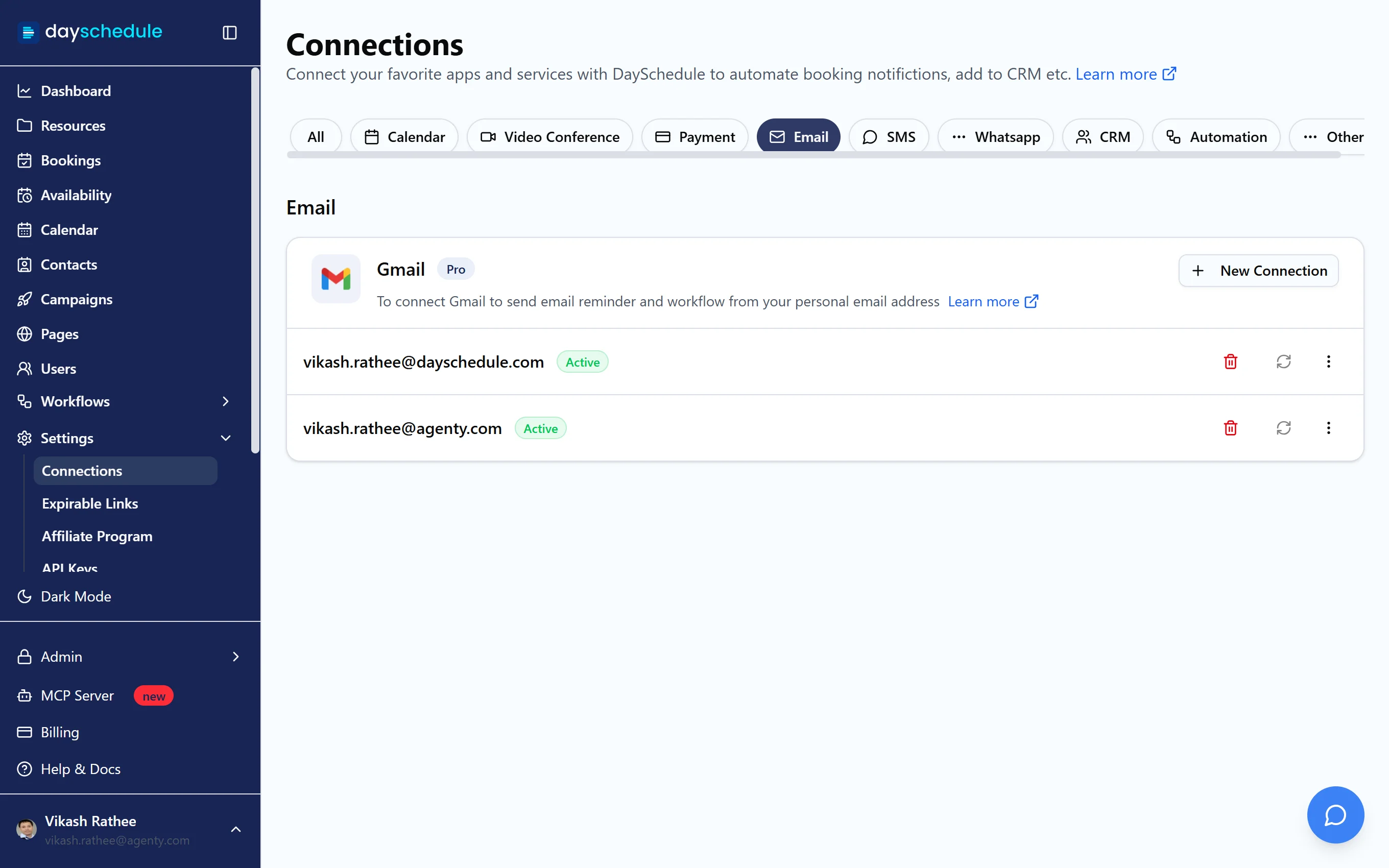
- Open Settings, then Connections, and select Email.
- Find Gmail and click New Connection.
- Choose the Google account and allow DaySchedule to send email on your behalf.
The address appears under Gmail as Active. Connect several addresses if different team members or brands send their own emails.
Send an email from Gmail
- Open Workflows and click Create Workflow.
- Enter a Name, such as "Confirmation from my Gmail", and choose the resources it applies to.
- Under Trigger, pick when it runs. For a confirmation, choose Event Scheduled and turn on Run immediately. For a reminder, choose Before Event and set the time, such as 24 hours.
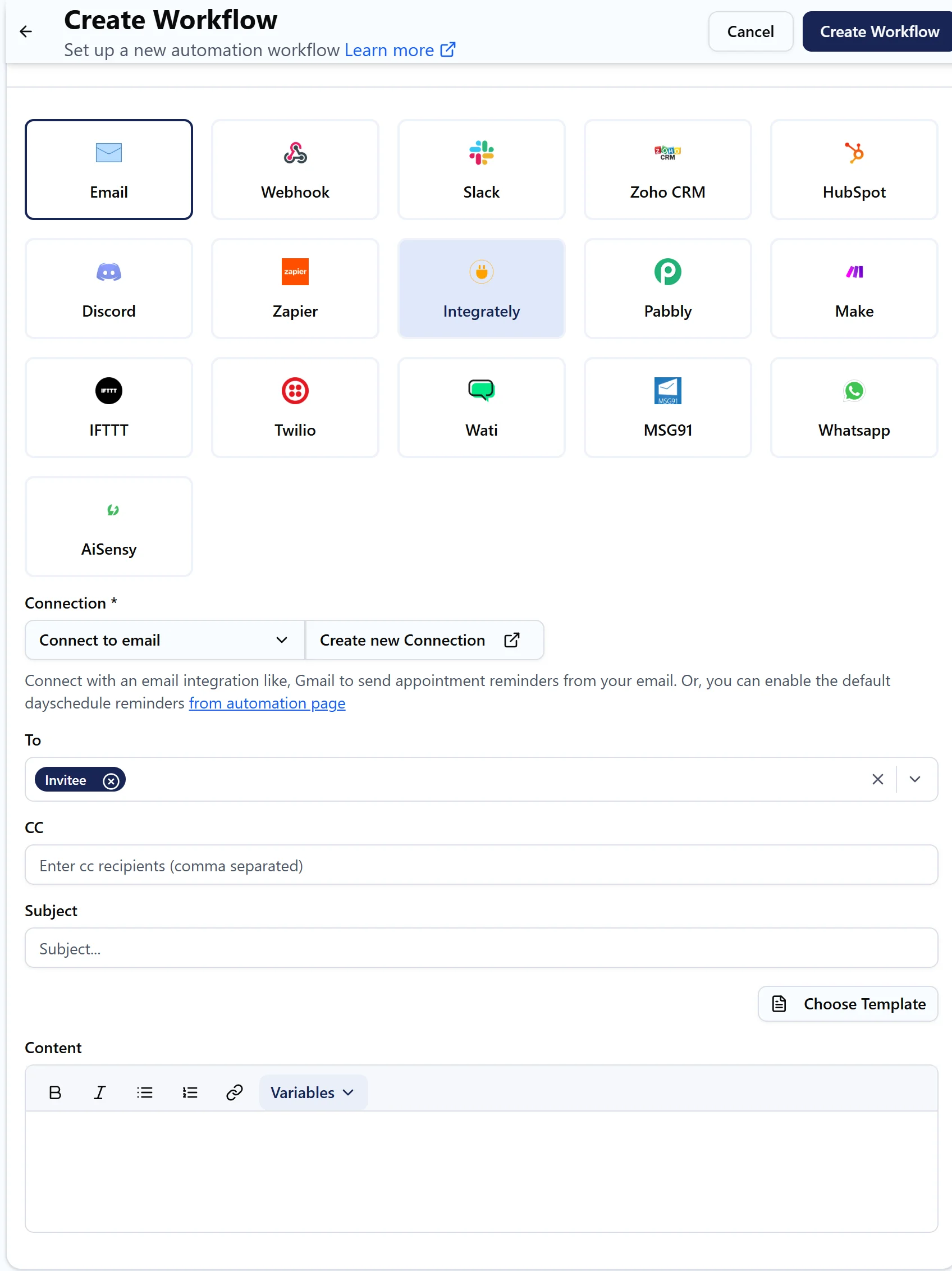
- Under the action, select Email and choose your Gmail address under Connection.
- Pick who receives it under To, such as Invitee, and add a Subject.
- Write the Content, or click Choose Template to start from a template. Insert details with variables like
{{invitee.name}},{{booking.invitee_time}}and{{booking.location.join_url}}. - Click Test run to check the email, then Create Workflow.
Stop the duplicate default emails
Once your own confirmation is running, turn off the default one so invitees don't get two. Open the event, select the Advanced tab and turn off Send Booking Confirmation Email to Invitees. If you replaced the default reminders too, switch off Reminder Email (15m) and Reminder Email (24h) under Workflows, then Automations. See Reminders.
If an email isn't sent
Open Workflows, then Run History, and click the job to read its log. A Gmail connection that shows Disabled needs to be reconnected with the refresh icon, for example after a password change. Gmail's own sending limits apply, so very high volumes may be throttled by Google.