Venue Booking Software for Rooms, Courts and Grounds
Rent out meeting rooms, sports courts, turfs and studios by the hour. Customers pick a free slot, pay online and get a confirmation, while you manage every space from one dashboard.
- Own opening hours per venue
- Hourly slots and changeover time
- Online payments
Customer rated
25,000+ Happy customers worldwide

4.8 out of 5

4.7 out of 5

4.7 out of 5
What Is Venue Booking Software?
Venue booking software lets people reserve a room, court or studio online by the hour. In DaySchedule a venue is booked against its own opening hours, so a booking doesn’t block the manager’s calendar.
- 1
Add your venue
Add a photo, description and address, and choose the manager who receives the notifications.
- 2
Set hours and durations
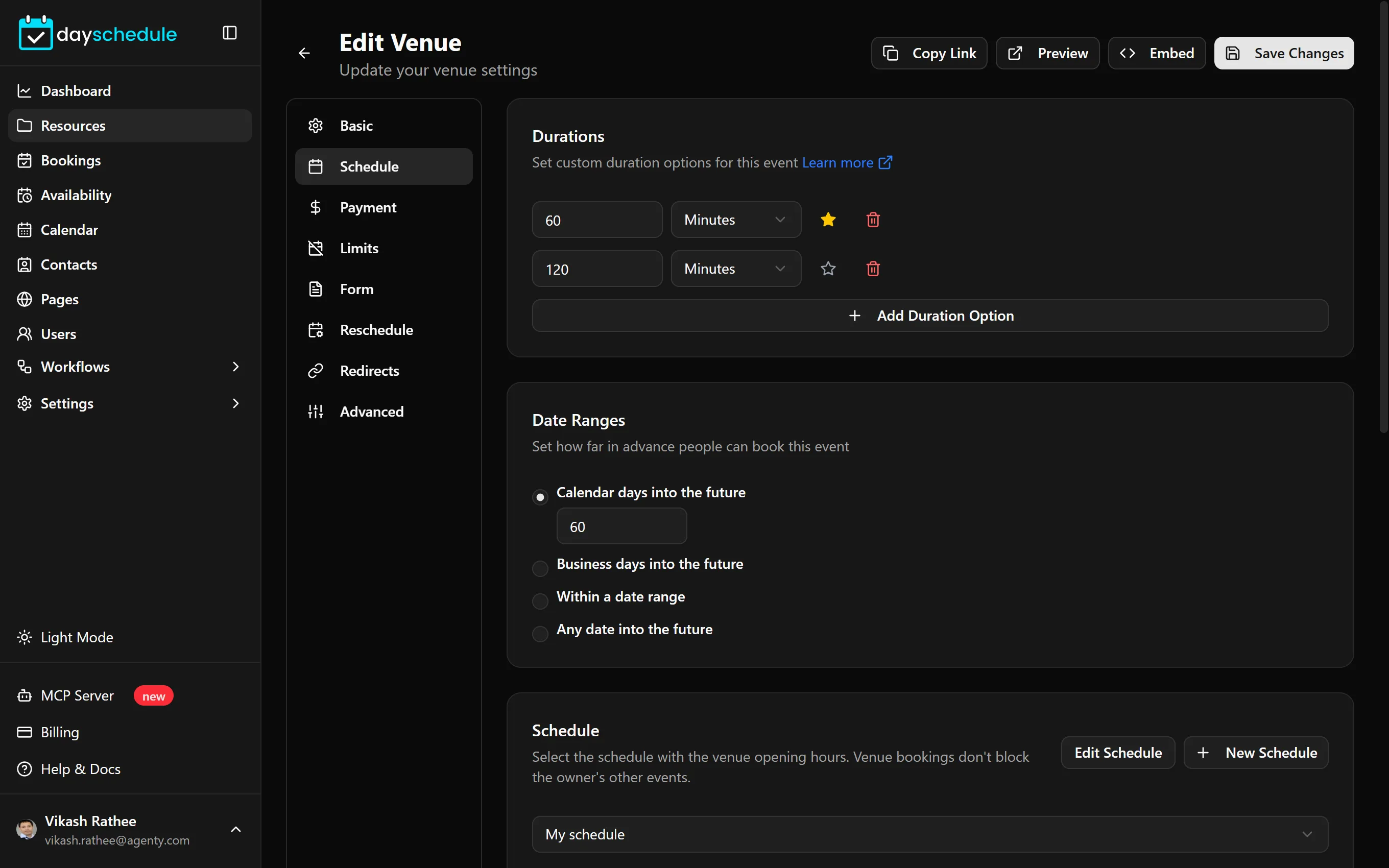
Pick the opening hours, booking lengths, slot intervals and any changeover time.
- 3
Customers book a slot
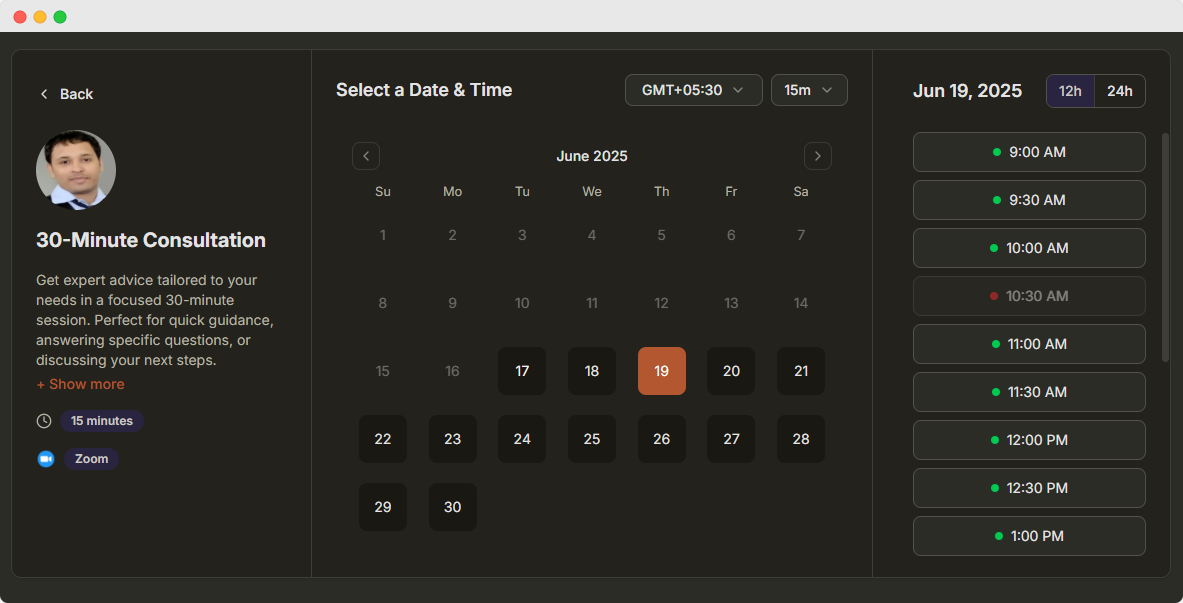
Each venue gets its own link. Customers pick a free slot, pay and get a confirmation.
Hourly booking for any space you rent out
A venue is a resource type built for places, not people. It has its own opening hours and never blocks the calendar of the person who manages it.
Opening hours, not staff hours
Each venue uses its own schedule with the opening hours, holidays and date overrides. Bookings never block the manager’s own calendar or events.
Hourly slots and durations
Offer 1 hour and 2 hour bookings, start slots every 30 minutes, and add cleaning or changeover time after each booking.
Take payment at booking
Charge per booking with Stripe, PayPal, Razorpay or Cashfree, so the slot is confirmed only when it is paid.
Approval and fair use
Approve requests manually, limit bookings per day, stop duplicate bookings from the same visitor and set a minimum notice.
Guests and registration form
Let the person booking add guests, and ask for team name, purpose or any detail you need with a custom form.
Booked slots stay visible
Show taken times with a strikethrough so visitors can see how busy the court or room is and pick another time.
Who uses venue booking
Add one venue for each room, court or ground and list them together on a booking page, or embed the page on your website.
- Meeting and conference rooms
- Coworking desks and cabins
- Tennis, badminton and padel courts
- Football turfs and cricket nets
- Studios and rehearsal rooms
- Community halls and party spaces
Manage Venues With the API and AI
Show live availability on your own site, or check and change bookings from a chat.
Scheduling API
Show live venue availability in your own app, then book the slot. Add ?payment=1 to create a payment link.
const headers = {
  Authorization: 'Bearer YOUR_API_KEY',
  'Content-Type': 'application/json',
};

// 1. Free slots for a court or room
const slots = await fetch(
  'https://api.dayschedule.com/v1/availability/1234?start=2026-11-12&end=2026-11-12',
  { headers }
).then((res) => res.json());

// 2. Book the venue for one hour
const booking = await fetch('https://api.dayschedule.com/v1/bookings', {
  method: 'POST',
  headers,
  body: JSON.stringify({
    resource_id: 1234,
    start_at: '2026-11-12T08:30:00.000Z',
    end_at: '2026-11-12T09:30:00.000Z',
    time_zone: 'Asia/Calcutta',
    host: { user_id: 5678 },
    location: { type: 'physical' },
    invitees: [{ name: 'Priyanka', email: 'example@gmail.com' }],
  }),
}).then((res) => res.json());AI assistant
Connect DaySchedule to Claude, ChatGPT or any MCP client and manage bookings in plain language.
"Is Conference Room A free tomorrow at 2 PM for an hour? If so, book it for Priyanka, priyanka@example.com."
get_available_slotscreate_booking"Which bookings do I have on Tennis Court 1 this weekend? Cancel the one on Sunday morning."
get_bookingscancel_bookingFrequently Asked Questions
Everything you need to know about venue booking.
What is venue booking software?
How is a venue different from an event?
Can I show which slots are already booked?
Can I add cleaning or changeover time between bookings?
Can customers pay online for a venue booking?
Is venue booking available on every plan?
Explore More DaySchedule Products
 17 sec
CRM Software
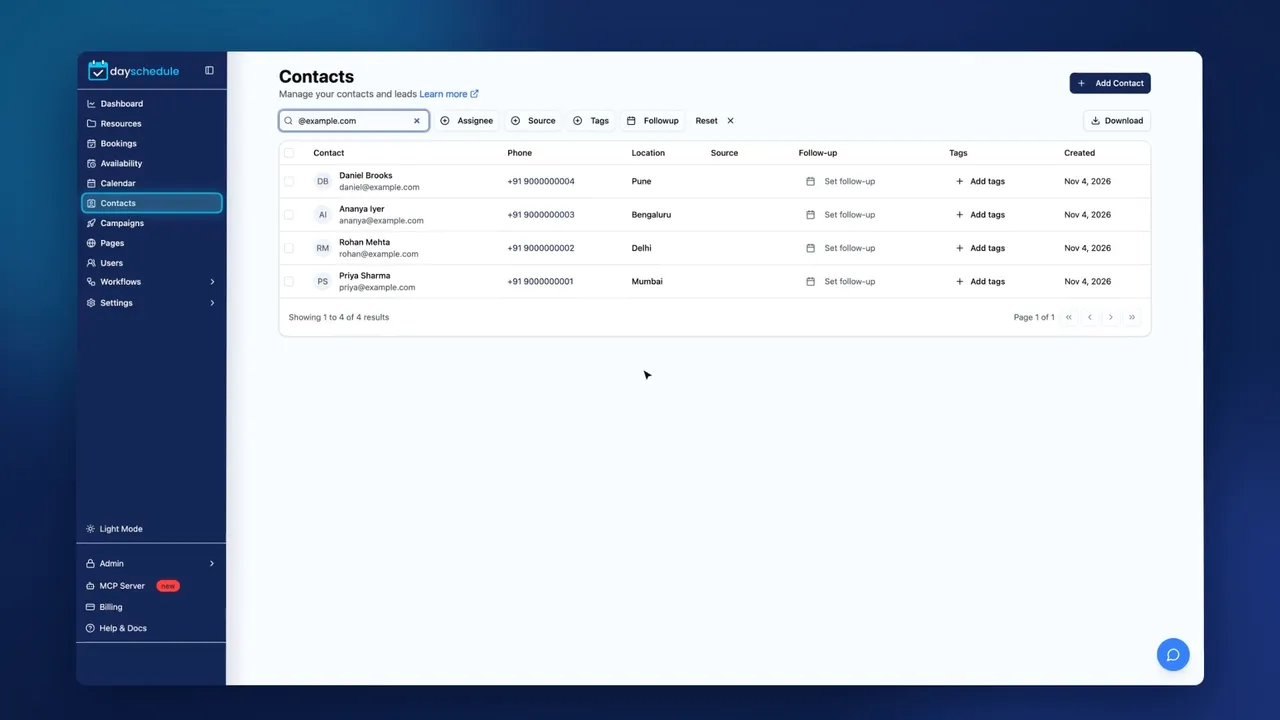
Every booking creates a contact. Keep notes, follow-ups, tags and booking history in one place.
Learn more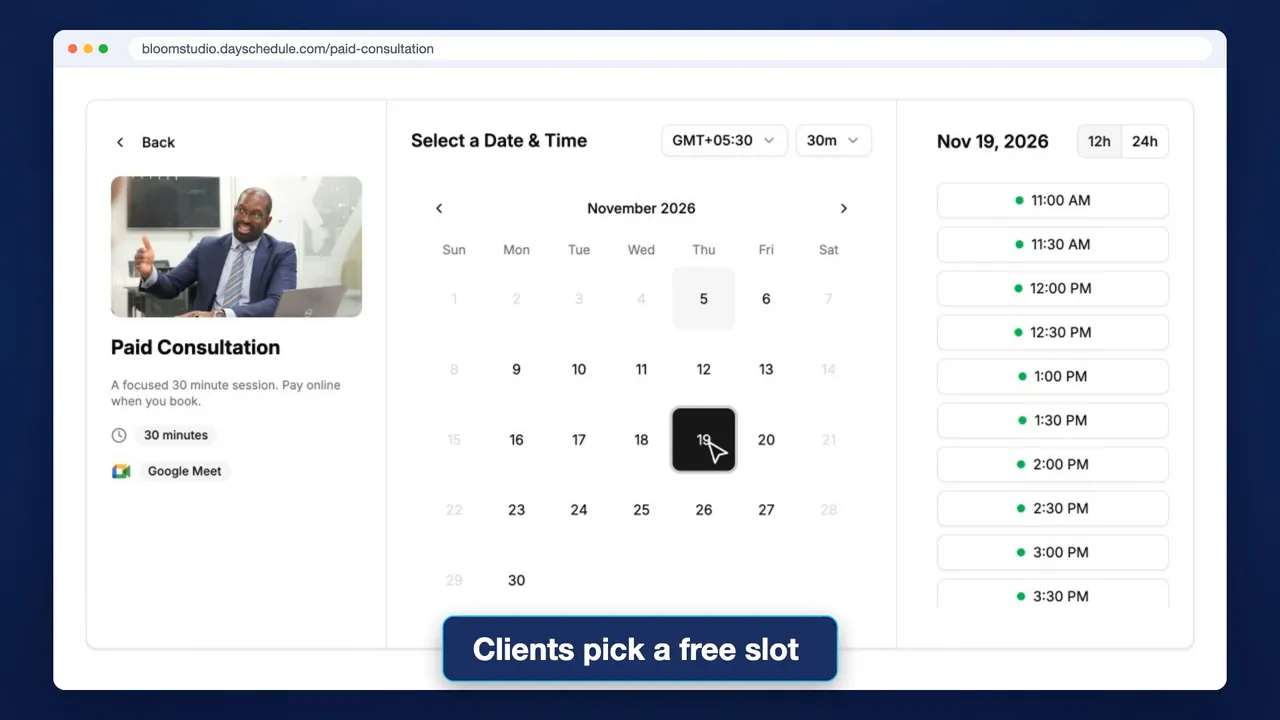 22 sec
1:1 Meeting Software
Share one link for consultations, interviews and sales calls. Clients pick a free slot and can pay when they book.
Learn more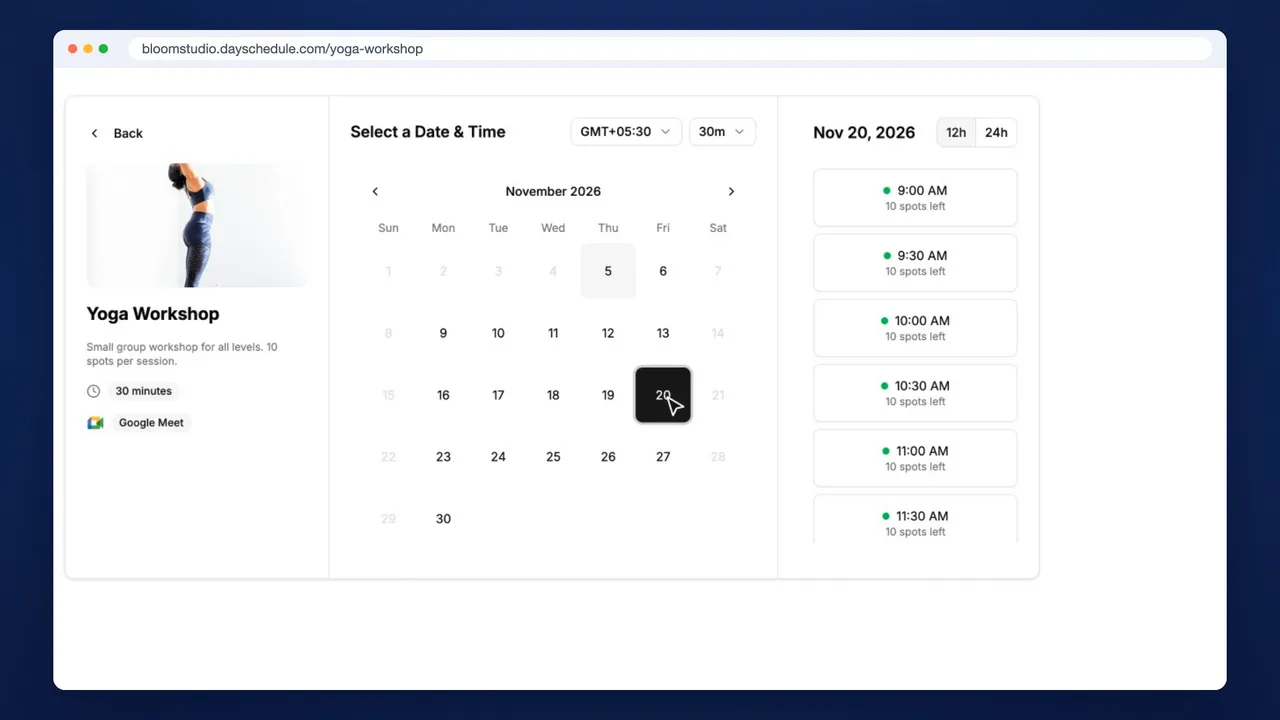 21 sec
Group Scheduling Software
Fill classes and workshops online. Set seats per slot, show spots left and charge each attendee.
Learn moreStart Renting Out Your Space Online
Publish your rooms, courts and studios and let customers book and pay by the hour.