
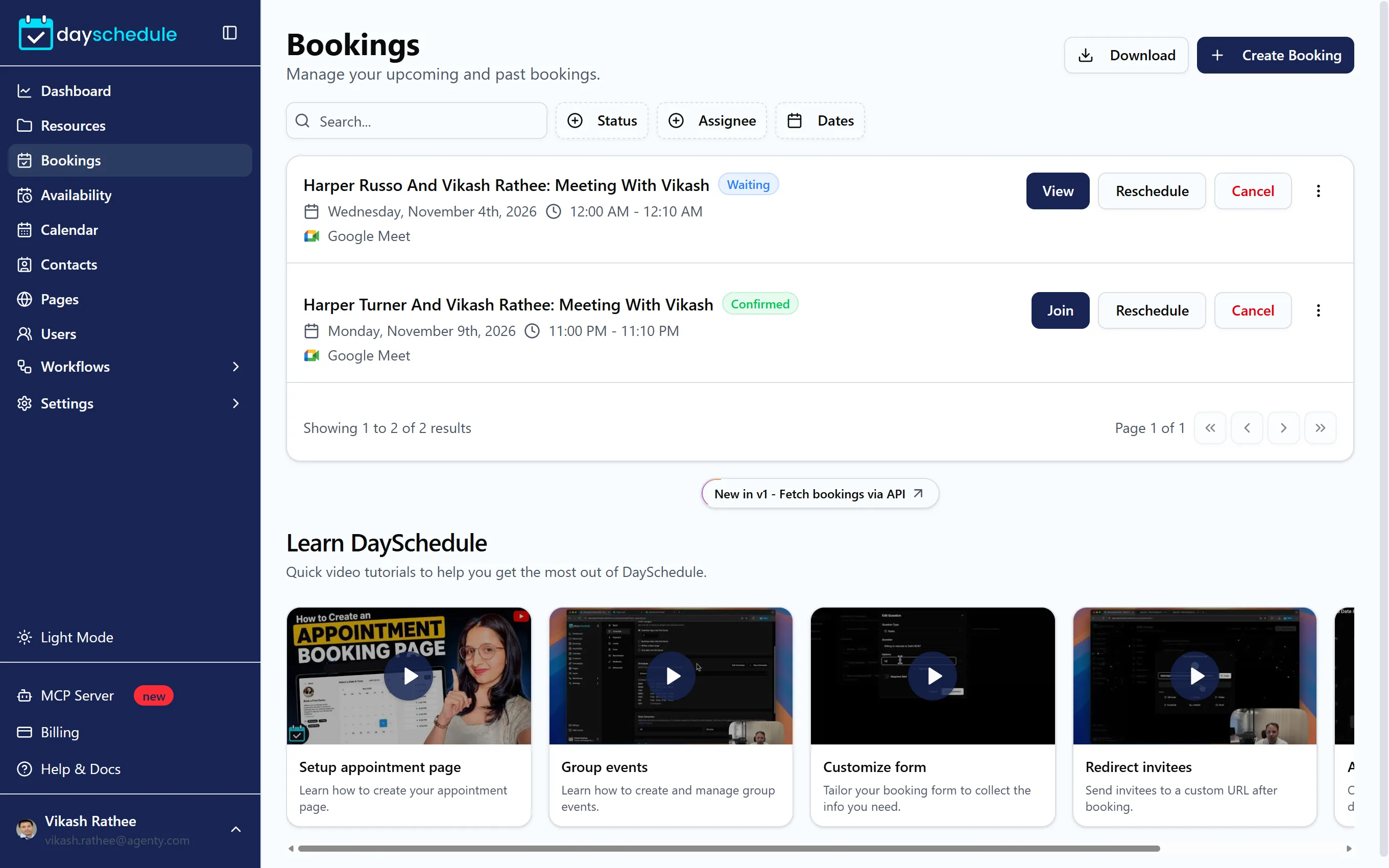
DaySchedule gives you a booking page like yourname.dayschedule.com where customers pick a free time and book you, your team, a class, a service or a room. Bookings land in your dashboard at app.dayschedule.com, on your connected calendar, and in the inbox of everyone involved. These docs follow the dashboard screen by screen. The API reference covers the same features in code.
Set up your first booking page
- Create an account and follow the setup steps. They create your booking page, a schedule with your working hours and your first event. See Set up DaySchedule in five minutes.
- Open Settings, then Connections, and connect your calendar and video app, so busy times are blocked and meeting links are created for every booking. See Connect calendars and apps.
- Share your booking link, or embed the booking page on your website.
Choose a resource type
Everything people can book is a resource. Pick the type that matches how you work:
| Resource type | Use it for | Guide |
|---|---|---|
| One on one | Calls, consultations and demos with one person | One-on-one meetings |
| Group | Classes, workshops and sessions with several attendees per slot | Group booking |
| Round robin | Sales and support calls shared across a team | Round robin scheduling |
| Webinar | One-time or recurring online events with hosts and speakers | Webinar registration |
| Services | A menu of services with prices, durations and staff | Service booking |
| Venue | Rooms, courts and grounds rented by the hour | Venue booking |
Resource types compared explains the differences in more detail.
Popular guides
- Set working hours and date overrides
- Add buffer time, minimum notice and custom durations
- Add Zoom, Google Meet, Microsoft Teams or an in-person location
- Accept payments for bookings
- Customize the booking form
- Send email, SMS and WhatsApp reminders
- Reschedule, cancel or mark a booking as no-show
- Find out why no time slots are available
- Connect Google Calendar or Outlook, and fix calendar sync problems
- Add the booking calendar to WordPress or React and Next.js
- Take payments with Stripe, PayPal or Razorpay
- Send WhatsApp and SMS reminders from your own number
- Send bookings to HubSpot, Zoho CRM, Slack, Zapier or n8n
- Switch from Calendly
- Frequently asked questions
For developers and AI agents
- AI appointment scheduling lets you book and manage appointments from Claude, ChatGPT and other AI apps.
- API keys authenticate the REST API and the MCP server.
- OAuth apps let Zapier, n8n, Make or your own app connect to DaySchedule accounts.
- Workflows send booking data to your own endpoint with a webhook.
- Add
.mdto any docs URL, such as/docs/manage-bookings.md, to get the page as plain markdown.
Looking for something specific to your industry? See how doctors, salons, consultants, gyms and sales teams use DaySchedule.